13 · Customer hangs up while the operator is ringing
Priority P3 · Edge cases and safety — The operator is never left stuck on a ringing call nobody is on.
People: You (customer), Priya (operator)
How to configure
- In Build → Agents, create a new agent named Support · web operators.
- Add a Web Chat trigger connected to the AI Agent node. Under Capabilities, tick Enable voice chat.
- On the Persona node: name Asha, role Customer support assistant, language English, and this system prompt: "You are Asha, a support assistant for Acme Scooters. Answer short questions about scooters, service and billing in one or two sentences. When the customer asks for a person, hand off."
- On the Operator node → Team, add Priya as a web operator (Studio user), Chats at once 2, Wrap-up 20 s.
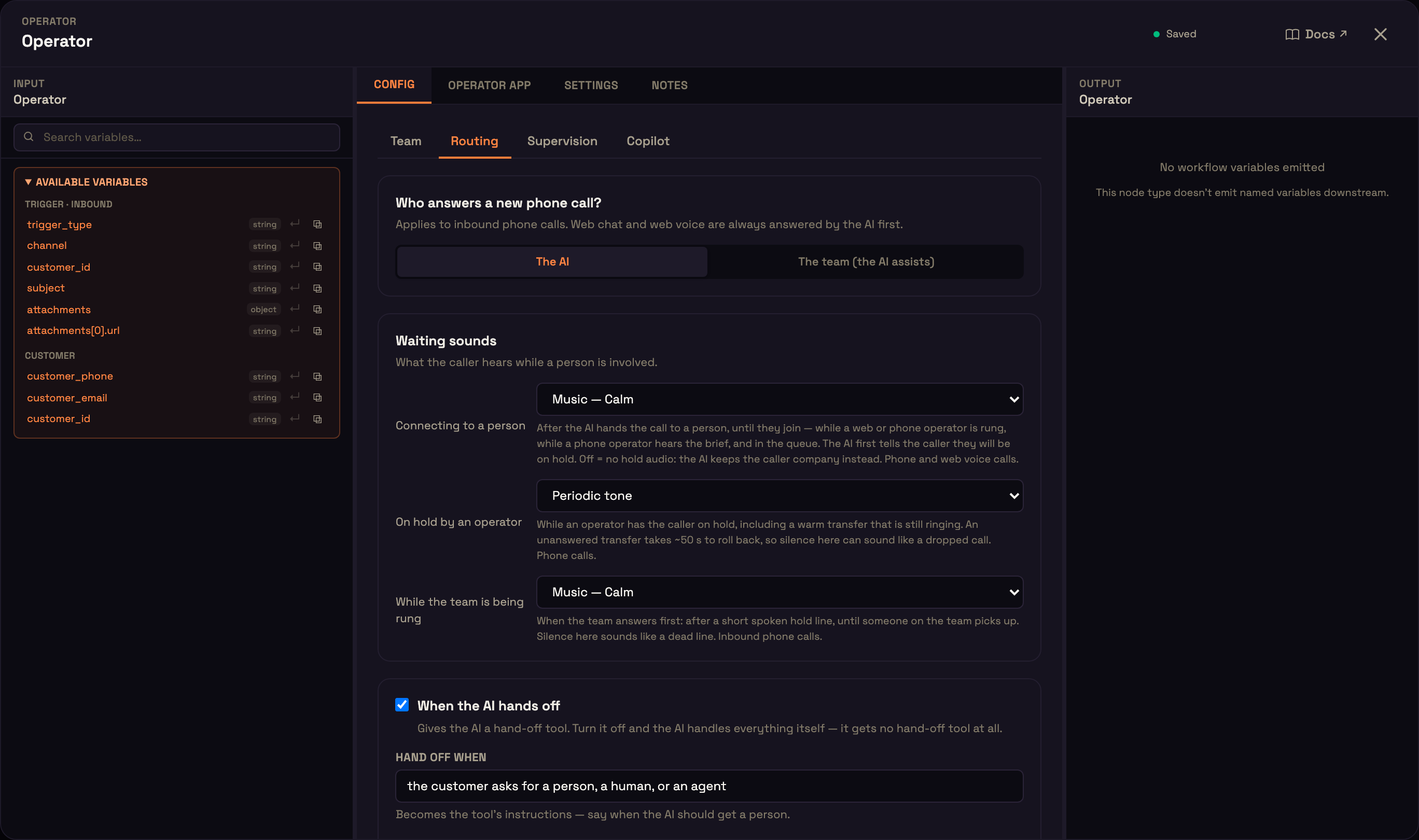
- Routing: Who answers a new phone call? = The AI; turn When the AI hands off on, with Hand off when = "the customer asks for a person, a human, or an agent"; tick Web operators with One at a time — longest idle first; Ring each person for 30 s; wait in queue up to 60 s; If nobody answers = The AI keeps helping; the team calls back; When the person leaves the call = Back to the AI; tick Flag the conversation and notify the team on every hand-off.
- Leave Supervision off and Copilot on its defaults, then Publish.
Each person signs in on their own computer with headphones, so audio doesn't loop between people in one room.
What we do
| Who | Step |
|---|---|
| Operator | Priya clicks Go online and does not answer. |
| Customer | You open the agent's Web Chat node → Live preview, click New chat, start a voice call and say "I want a person." While Priya's banner rings, hang up. |
What you should see
- Priya's banner disappears within a couple of seconds, and she shows as available again.
← Voicemail when nobody can take the call · No Operator node: the AI handles everything → · All use cases