Welcome & First Agent
The very first time you sign in, Perfox greets you with a short, friendly welcome screen — a starter-agent picker designed to get you building in one click, before you ever open the full builder.
Let's build your first agent. Pick a starter to open it on the canvas. Browsing and building are free — you only add credits when you're ready to test or launch.
What you see
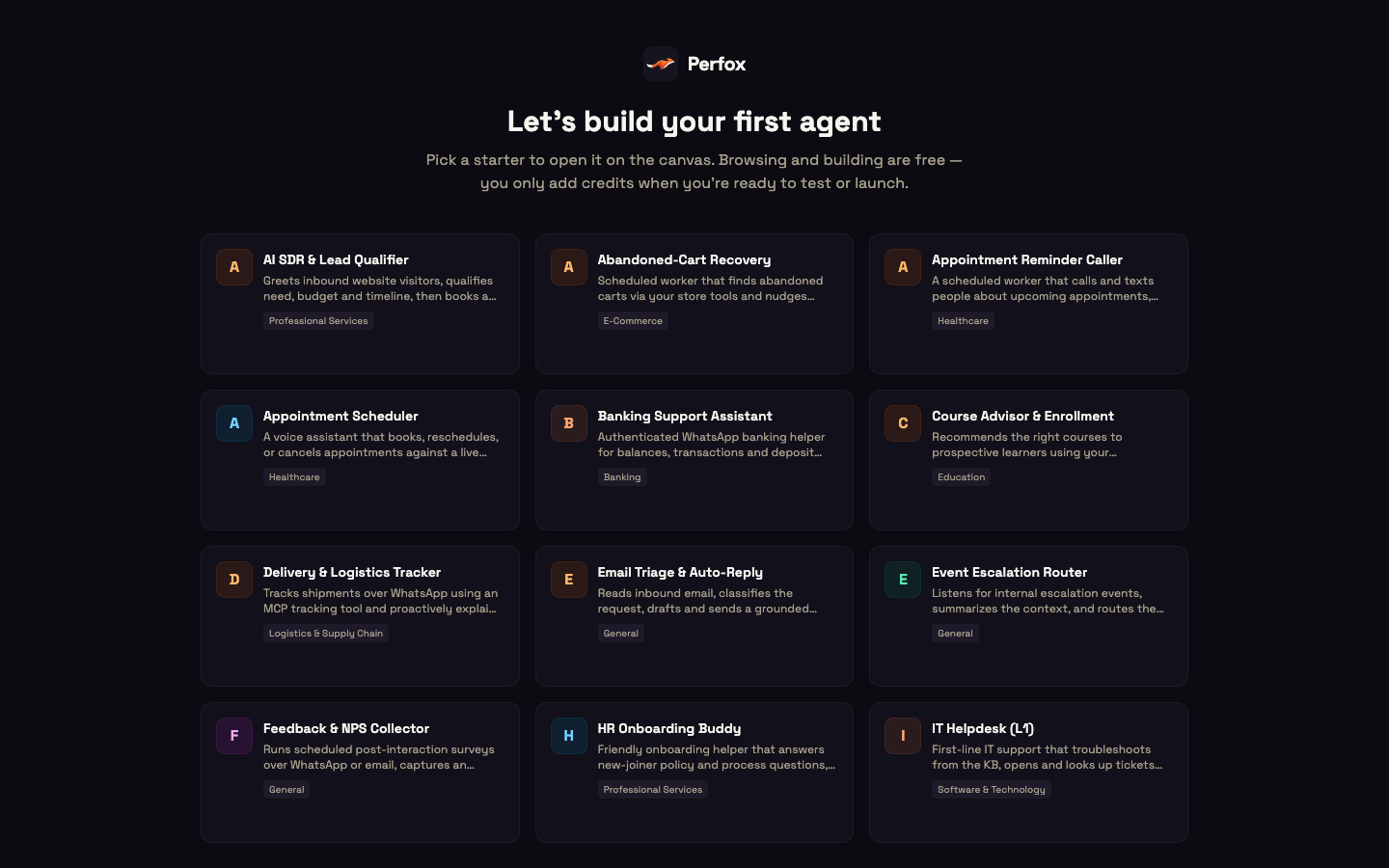
The welcome screen is a full-screen page with a grid of starter cards. Each card is a ready-made agent, such as a lead qualifier, an appointment scheduler, an email triage assistant or an IT helpdesk, with a name, a one-line description and an industry tag. Pick one and Perfox instantly spins up a real, working agent from that template and drops you straight onto the canvas, ready to customise.
You don't have to start from a template. Two more options sit below the grid:
- Start from scratch — opens the Agents list so you can build a blank agent from the ground up.
- Skip for now — takes you straight to your dashboard; you can build an agent any time from Agents.
Whichever you choose, the welcome screen has done its job and won't reappear — it's a one-time first-run experience.
Where it fits
Building is free
Exploring and building never cost anything. You can pick a starter, open the canvas and shape your agent as much as you like at no charge. Credits are only used when your agent actually runs: when you test it or once it's activated and talking to customers. Every new workspace starts with 5,000 free credits, so you can test your first agents straight away. Feel free to click around, try a starter, and see how it all fits together.
Next steps
- Getting Started — ships your first agent end-to-end, from a starter to a live reply on your own page.
- Agents — the full builder canvas, where you shape what your agent knows, says, and does.
- Studio Tour — a visual walk-through of every surface you'll use.