14 · No Operator node: the AI handles everything
Priority P3 · Edge cases and safety — An AI-only agent stays AI-only — it never promises a person nobody will provide.
People: You (customer)
How to configure
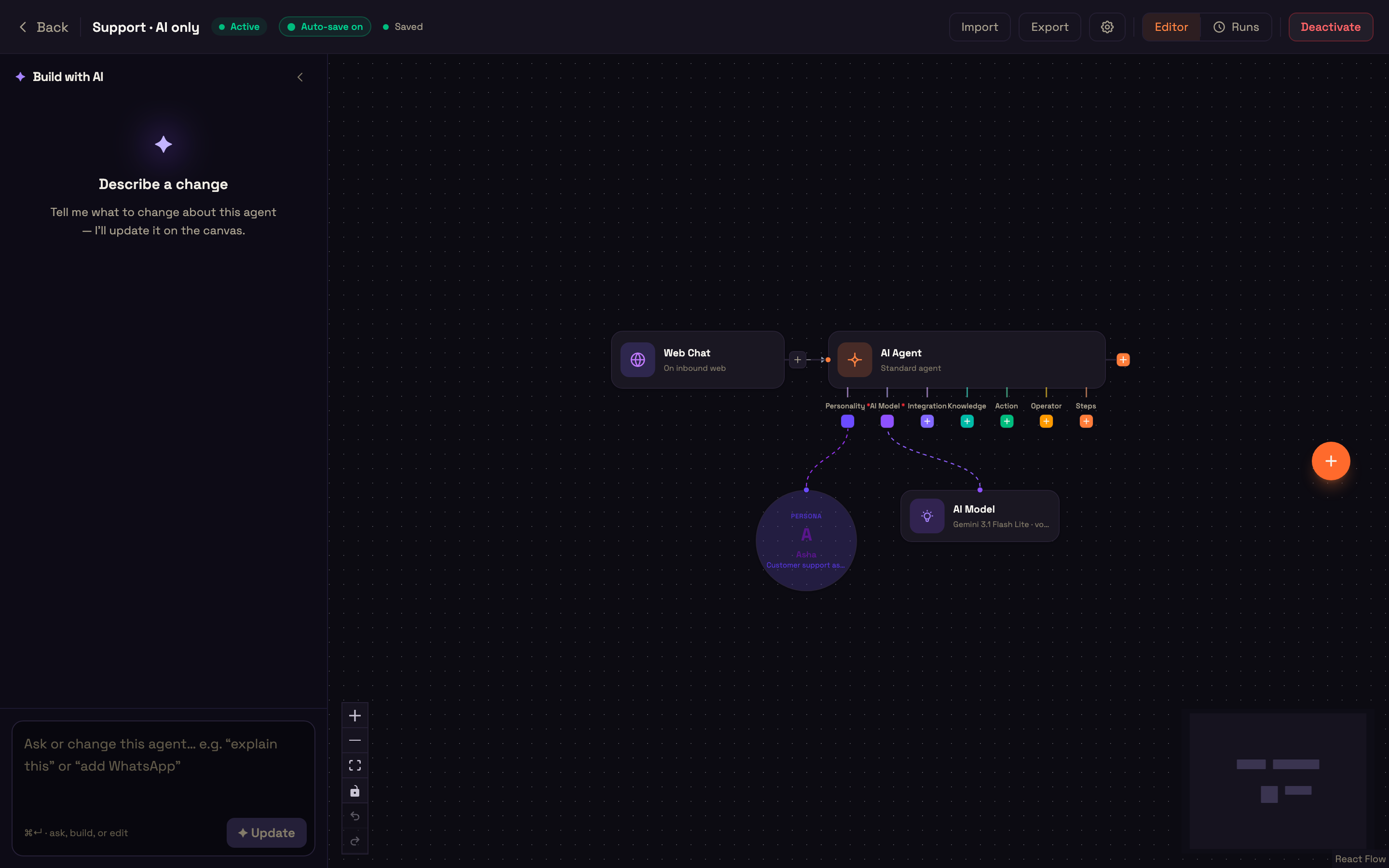
- In Build → Agents, create a new agent named Support · AI only.
- Add a Web Chat trigger connected to the AI Agent node.
- On the Persona node: name Asha, role Customer support assistant, language English, and this system prompt: "You are Asha, a support assistant for Acme Scooters. Answer short questions about scooters, service and billing in one or two sentences. If someone asks for a person, say you can help them yourself."
- Do not add an Operator node. Publish.
Each person signs in on their own computer with headphones, so audio doesn't loop between people in one room.
What we do
| Who | Step |
|---|---|
| Customer | You open the agent's Web Chat node → Live preview, click New chat and type "Hi, can I talk to a real person please?" |
What you should see
- The AI offers to help you itself, with no promise of a transfer or callback. Nothing rings for anyone.
← Customer hangs up while the operator is ringing · Hand-off switched off → · All use cases